
Bika
GuideTemplate

Template Quality Verification

Template Quality Verification

Template Quality Verification is an official recognition we’ve established to ensure users have the best experience with the templates available in our Template Center. Templates that pass this verification will display a badge on their card (see image below), signifying that they have undergone a manual quality review and meet our standards. This verification helps users quickly identify high-quality, reliable templates, thereby enhancing work efficiency.
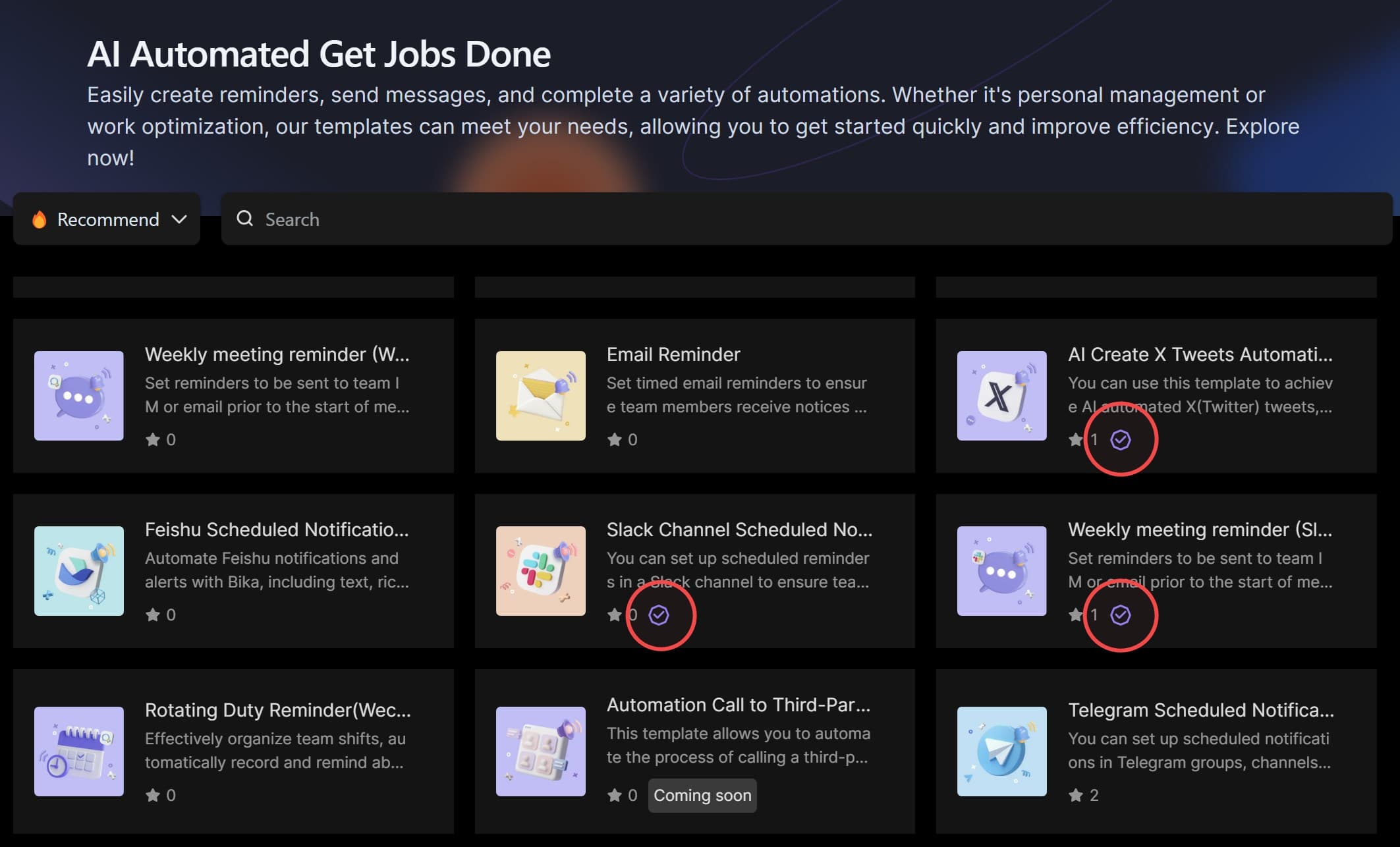
Template Verification Badge Illustration

How to Earn the Official "Template Quality Verification" Badge

To earn the official "Template Quality Verification" badge, templates must meet the following criteria:

1. Pass Comprehensive Manual Testing

Templates must undergo thorough testing by our team to ensure they are fully functional and free of errors. Only those that pass all tests will be awarded the "Verification Badge."

2. Provide Clear and Detailed Documentation

Templates must include a comprehensive and easily understandable Readme document. The Readme should cover the following:

  • Introduction to the template’s purpose and functionality
  • Installation and usage instructions
  • Any special configuration requirements or notes
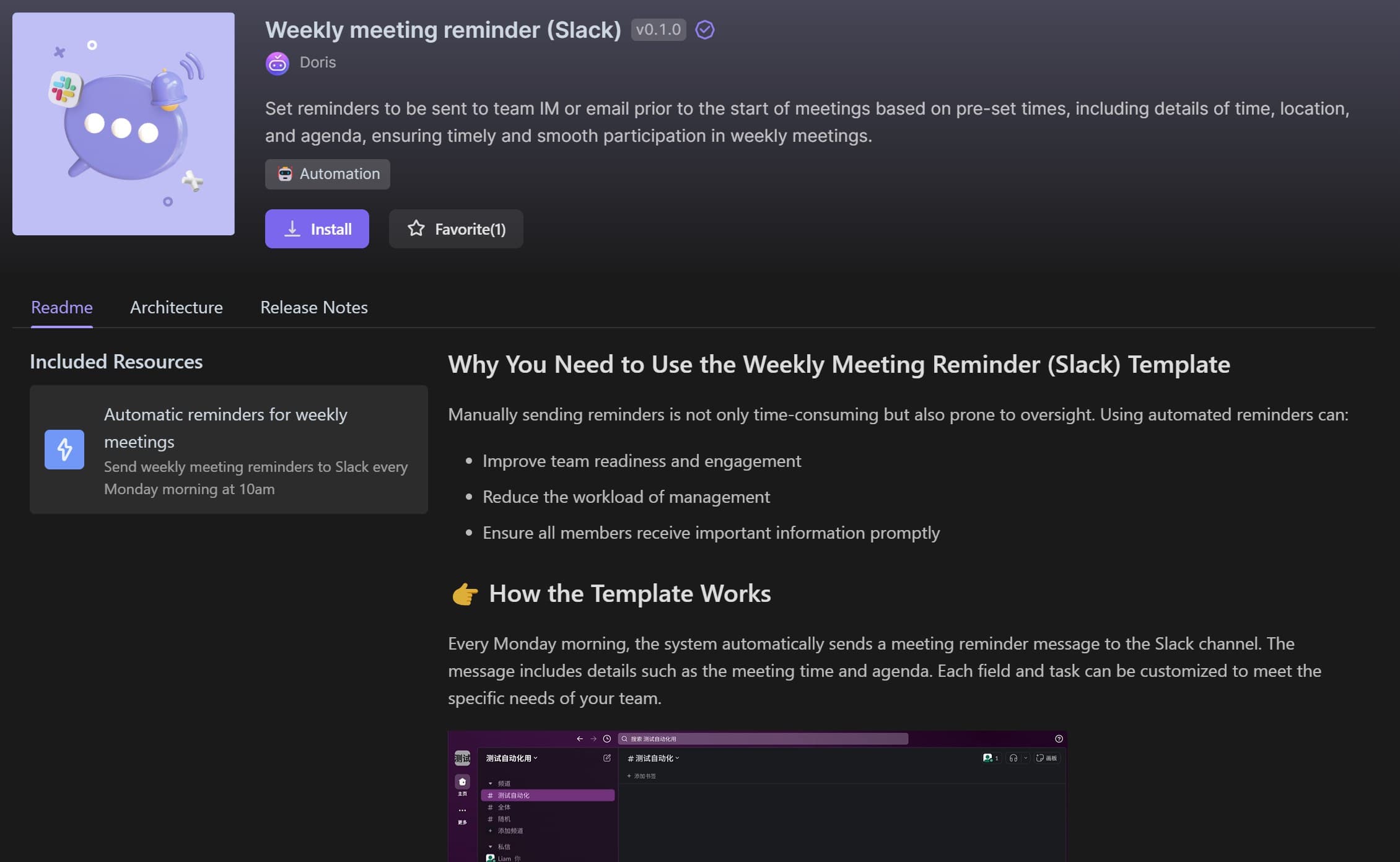
Readme Documentation Illustration

3. Include Annotated Architecture Diagrams

Templates must feature architecture diagrams with detailed annotations. These annotations should explain the design concepts and implementation details of each key component, helping users quickly grasp the template’s structure and functionality.
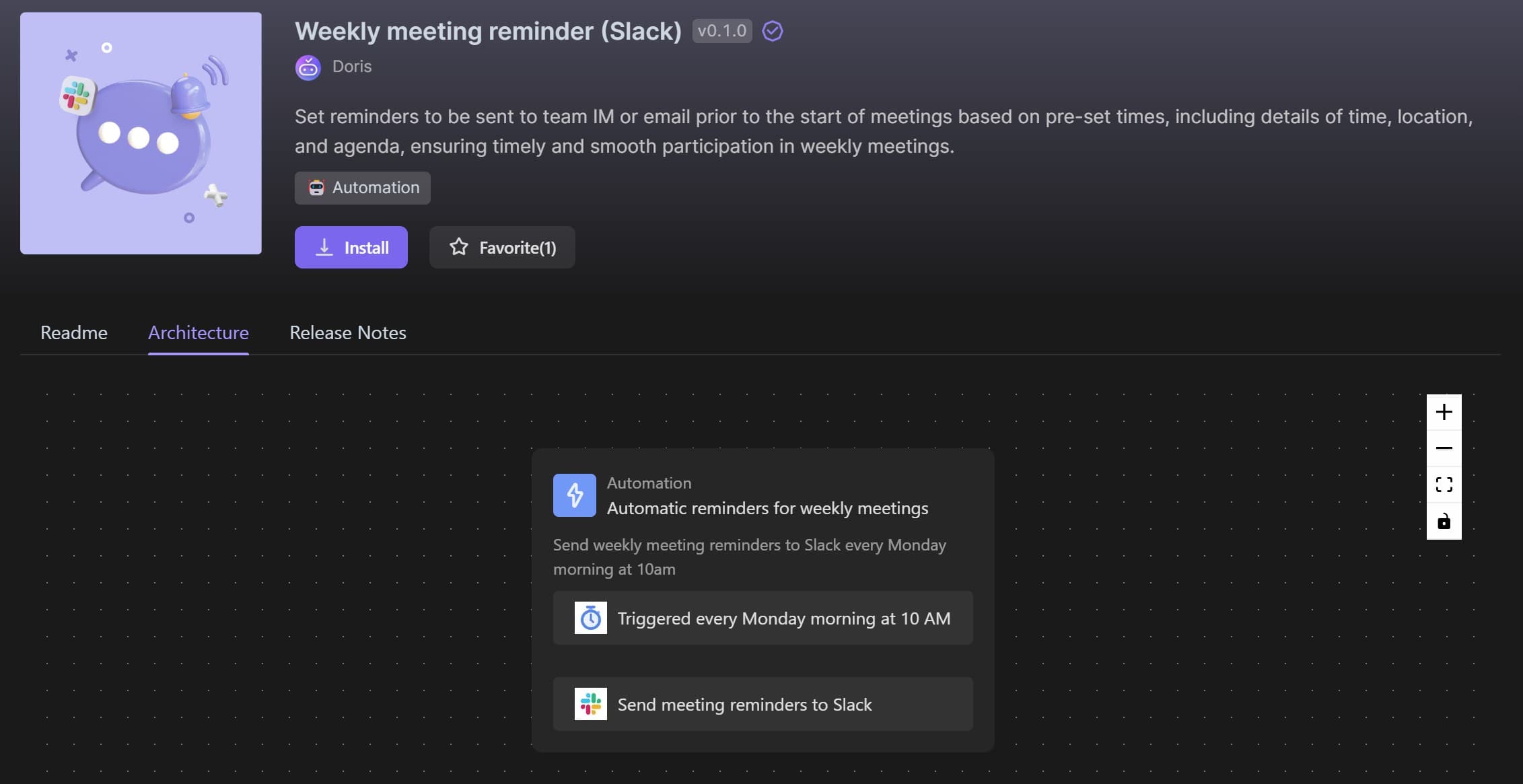
Architecture Diagram Illustration

4. Maintain Organized Release Notes

Templates should support version control, allowing creators to continuously improve their templates. The release notes should document each update in detail, including new features, bug fixes, and any other significant changes. This helps users stay informed about updates and make necessary adjustments.
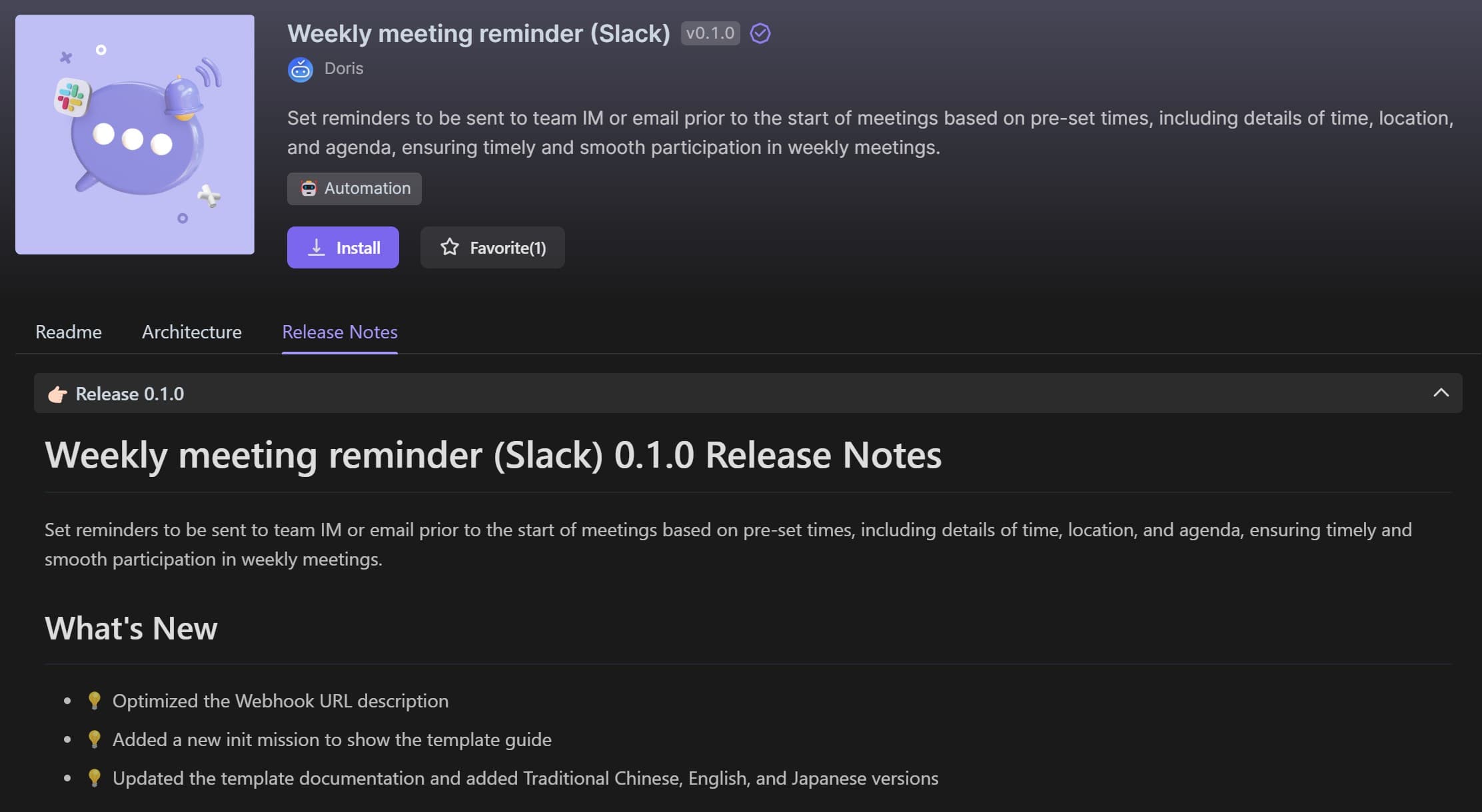
Release Notes Illustration

By meeting these criteria, templates can earn the "Template Quality Verification" badge, ensuring a superior user experience. If you have any questions or suggestions while using these templates, please don’t hesitate to contact us. We are dedicated to continually improving template quality to provide you with the best possible service.

Recommend AI Automation Templates

X/Twitter Manager
An AI-powered Twitter Assistant that helps content creators draft viral tweets with auto-polish, generate tweet ideas, and schedule posts using one-click automation. Grow your engagement and effortlessly boost your Twitter follower growth.
Assortment Planning
Assortment Planning
The Assortment Planning template is a retail assortment planning solution that helps you manage product assortment planning across categories, seasons, and channels. Use it as a centralized product catalog management system and manufacturer database to support supplier relationship management and retail product management. Track pricing, costs, and product margin analysis, organize your product portfolio planning with clear categories and color variants, and use built‑in category management tools to keep assortments optimized for every store or sales channel.
Base CRM
Base CRM
Base Template in Every New Space
3-Day Outreach Email Campaign
Quickly launch a 3-day automated email outreach campaign with this ready-to-use email outreach template. Run an email drip sequence of automated welcome emails for new users to boost activation, retention, and early engagement. This workflow helps you send the right message on each of the first three days, pause the sequence when users reply, and avoid over-contacting them. Ideal for customer success teams, SaaS product managers, marketers, and startup founders who want a simple, automated way to guide new users into your product.
AI Invoice Information Recognition
This AI Invoice Information Recognition template uses invoice OCR AI to automatically extract key fields from invoice images and turn manual entry into financial data automation. Set up an end-to-end invoice processing workflow that captures invoice numbers, dates, amounts, and taxes, and stores everything in a structured database. Extend the same flow to receipt data extraction and purchase order processing so finance teams, SMEs, and accountants can handle bulk documents faster, reduce errors, and keep all financial data accurate and searchable.
Google Analyst
Step-by-step guide to connect your Google Analytics 4 (GA4) property to the Google Analyst agent. Covers creating a Google Cloud service account, enabling the Analytics Data API, granting GA4 Viewer access, and configuring the agent with supported metrics like sessions, users, bounce rate, conversions, and more. Perfect for quickly setting up GA4 data reporting in Bika.ai