ReferenceSpace
Import data
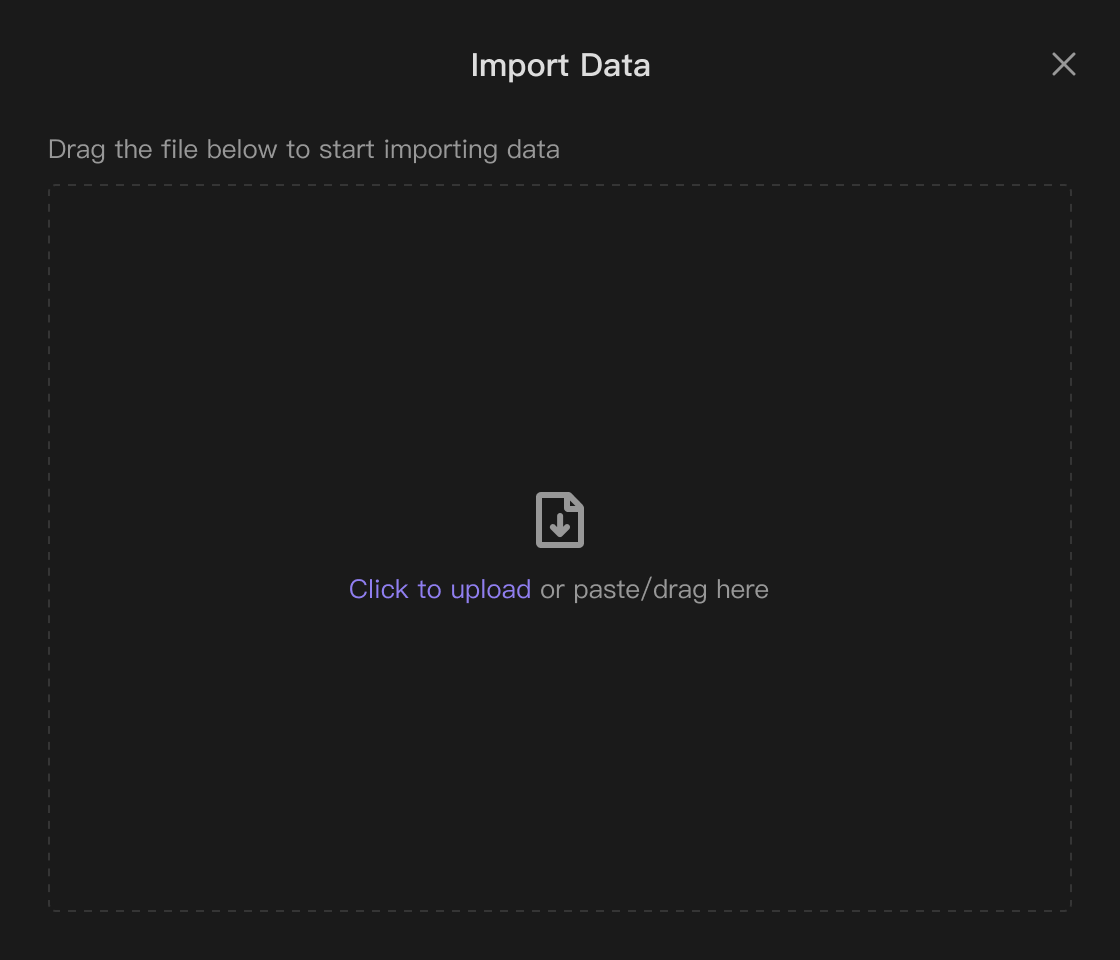
You can directly import local files into the Bika Space.

UI DEMO
This is a UI interaction demo and function parameter example of this feature. You can experience it. Please note that this interaction demo only shows the UI interface and some parameters, and does not have actual data operations. If you want to really use this function, please log in to the system and enter the resource editor, and the function will take effect at that time.→ Go to Space
Renderer
Import from Excel
Import data from Excel to create a new database. Please note: Calculated fields, member fields, attachment fields, and relationship fields cannot be imported.
Add local file
OrPaste/Drop file to upload here
Supports uploading .xlsx/.csv files
Incremental Import from Excel
Step 1: Download the template and fill in the data. Please note: Do not change the titles in the template to avoid import failure. Calculated fields, member fields, attachment fields, and relationship fields are not supported.
Step 2: Drag the completed Excel file here to upload.
Add local file
OrPaste/Drop file to upload here
Supports uploading .xlsx/.csv files
Screenshots