Skills
Explore the skills and capabilities of this skillset.
Configuration
Customize the skillset to fit your needs.
MCP Server
Connect to MCP Server
MCPunk
X/Twitter アシスタント
AI駆動のTwitterアシスタントで、コンテンツクリエイターがAI製品の体験をバイラルツイートに変換します。自動ポリッシュ、スマートリサーチ、ワンクリック投稿機能を備えています。
GitHub Issues アシスタント
GitHub Issues アシスタントは、GitHubのIssue管理を効率化するAIエージェントです。リポジトリ内でのバグ報告、タスク管理、機能リクエストの作成・追跡・優先順位付けをシンプルにします。チームでの利用に最適で、一貫したフォーマットを維持し、定型作業を自動化することで、開発プロセスをスムーズにします
ブランドデザイナー
スタートアップのデジタル製品向けに特別に設計されたブランドマーケティングAIアシスタントで、Product HuntやAppSumoなどのプラットフォームに適したオンラインプロモーション素材を迅速に生成し、ビジュアルクリエイティブ、プロモーションスローガン、ブランドトーン、セールスポイントのコミュニケーションをカバーします
MCPunk

Slack チャンネル定期通知
このテンプレートは、Slackチャンネル内で定期的なリマインダーを設定するために使用され、チームメンバーが期日までにタスクを完了させ、会議に参加し、重要なアップデートを入手することを確保します。事前に設定された自動化されたリマインダーを通じて、チームは定期的に重要な通知を受信し、見落としや手動でのリマインダーの負担を減らし、全体的な協力効率を向上させることができます。

企業微信通知の自動化
Bika自動化を使用して定期通知を送信することで、コミュニケーションプロセスを簡素化し、チームがタイムリーで一貫した通知を受け取ることを保証します。これにより、リマインダー、アナウンス、システムアラート、プロモーションメッセージを自動的に送信し、チームの協力効率を向上させます


Product Messaging Library
The Product Messaging Library Template centralizes your messaging guidelines, ensuring consistent messaging across marketing and technical content. Organize internal documentation, maintain content consistency, follow copywriting guidelines, and streamline your content team workflow with this easy-to-use messaging template and tone guide. Perfect for teams aiming for a unified brand voice and messaging best practices.

銀行の明細書添付ファイルをデータベースに変換
手動でアップロードされた銀行の明細書PDF添付ファイルを、画像認識技術を用いて、総支出と株式データを抽出し、Bikaデータベースにデータレコードを生成する
Discourse コミュニティマネージャー
Discourse コミュニティマネージャーエージェントは、ユーザーポストに対して明確で親しみやすく、構造化された返信を迅速に生成するのを支援し、コミュニティのモデレーションをより簡単かつプロフェッショナルにします。

Facebook投稿の自動化
Bika.ai のテンプレートで Facebook 投稿をAIで自動化。コンテンツをデータベースから読み取り、最適な時間に投稿・公開URLを記録し、エンゲージメントを追跡。作業効率とブランド一貫性を同時に向上できます。


MCPunk

Business Contract Management
The challenges in traditional contract management, such as dispersed information, difficulty in tracking, repetitive data entry, and lack of transparency in status, have been addressed. This effectively helps teams efficiently manage the contract lifecycle, reduces manual operations, and improves data accuracy and team collaboration efficiency

YouTubeからTwitterへの共有
新しいYouTube動画をTwitterに自動クロスポストして、リーチと視聴者エンゲージメントを最大化します。

PR & media CRM
Streamline your PR and media management with this PR & Media CRM template. Organize journalist contacts, track press coverage, manage relevant articles and publications, monitor PR campaigns, and enhance outreach efficiency. Use PR analytics, communication tracking, and workflow automation to improve engagement, optimize media performance, and build strong public relations.
14-Day Automated Cold-Email Outreach Campaign
Launch a 14-day automated cold outreach campaign with this done-for-you email outreach template. Run a fully automated email sequence and drip email sequence for outbound email campaigns and outbound sales emails, complete with automated follow ups and lead nurturing emails. Use a clear email campaign workflow to manage automated email outreach, track engagement, and scale cold outreach to influencers, partners, and prospects—without manual follow-ups.

週間タスクのスマートリマインダーと自動AI週間レポート
チームが週間タスクを効率的に管理するのに役立ちます。タスクの要約、進捗リマインダー、個人のサマリーレポートなど、一連の自動化ツールを通じて、チームメンバーはタスク情報と進捗状況を迅速に取得できるため、コラボレーション効率と作業透明性が向上します。これらの自動化機能を使用することで、チームは効率的な運用を維持し、各メンバーが自分のタスクについて明確な理解と責任感を持つことができます。

一括メール送信(タグトリガー)
超簡単で使いやすい一括メール送信機能。直感的なデータテーブルにメールアドレスを入力するか、フォームを通じて収集し、タグ変更に基づいて一括送信をトリガーし、開封率と返信率を確認できます。

IT 资产管理与提醒
全面的 IT 资产管理解决方案,用于发送维护提醒

客户订单管理
客户订单管理模板适用于需手工录入的高度定制化产品,涵盖从订单录入到客户通知、销售跟进、周报生成等关键流程。通过自动邮件提醒和每周订单汇总,确保客户及时获取订单信息,还能每周定时生成并推送销售人员与团队负责人的成交报告,提升客户团队的效率,帮助团队高效追踪客户信息、统一管理订单流程。
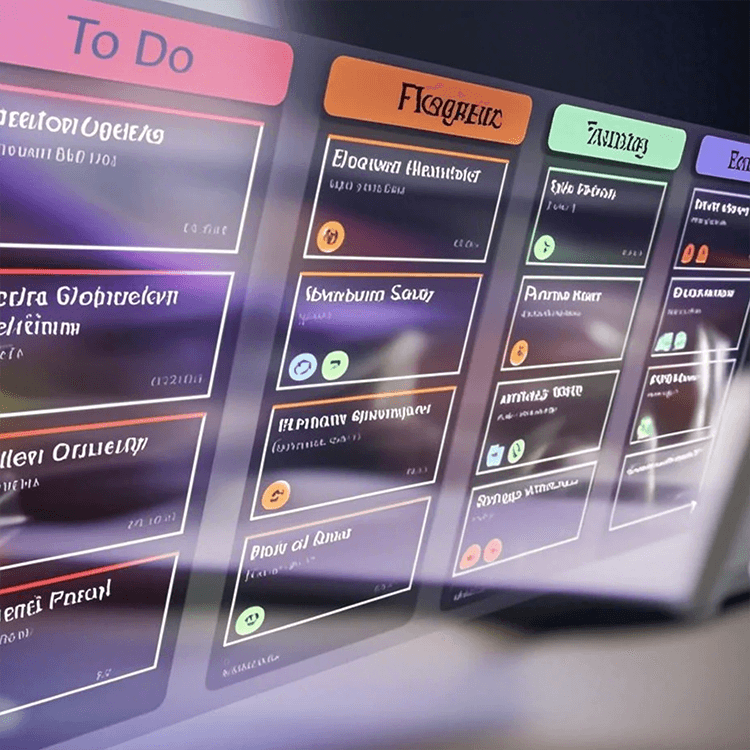
Scrum Sprint Task Management Automation
Streamline your Scrum sprints with this powerful automation template. Effortlessly track progress, manage sprint tasks, assign tasks, resolve issues, and send automated notifications. Keep your team aligned with real-time project updates, workflow tracking, and a comprehensive sprint dashboard for timely delivery of sprint goals.