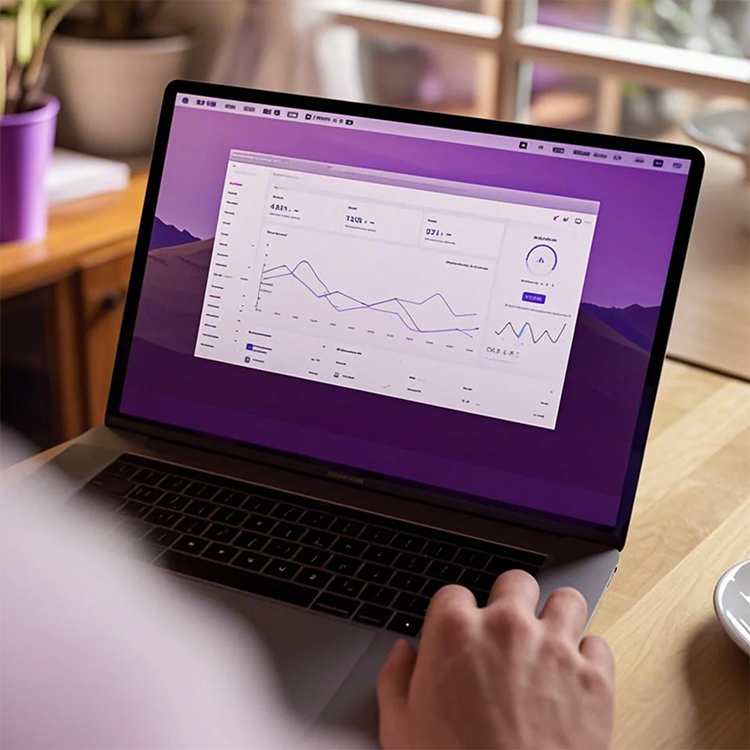
Remote Internal Communications Planning


Plan, organize, and execute internal events and digital content with this Remote Internal Communications Planning Template. Track content progress, manage communications objectives, streamline digital workflows, and enable stakeholder collaboration. Perfect for HR, executives, and remote teams to align projects, review content, and ensure timely delivery of internal communications.

Overview
Remote Internal Communications Planning Template
The Remote Internal Communications Planning Template helps you plan, organize, and execute digital content and online events that align with company-wide internal communications objectives. It facilitates collaboration with team members to ensure each piece of content and event is completed on time, with the appropriate resources allocated. The template also provides a platform to share insights with executives and brainstorm ways to further engage employees.
How the Template Works
This template helps you structure and track digital content and events in an organized way:
- Link Content to Communications Objectives: Each piece of content is linked to a specific communications objective, with the Objectives table clearly showing all content and events tied to each objective.
- Group Communications by Objective: The "Comms: grouped by objective" view organizes content by its associated objective, making it easy to see the connections between communications and goals.
- Track Progress Using Kanban View: The Kanban view helps you track the progress of each piece of content and event by status (e.g., "In Progress," "Completed," "Scheduled"), ensuring everything moves smoothly from start to finish.
- Customize Views: The template includes built-in filtering, hiding, and sorting features that allow you to tailor the view according to your specific needs.
How to Customize Your Application Using the Template
Customizing your workflow with the Remote Internal Communications Planning Template is simple:
- Define Communications Objectives: Start by listing your company’s internal communications objectives in the Objectives table. Each piece of content and event should be linked to a clear, specific objective.
- Plan Content and Events: Use the grid view to plan out your content and events, ensuring they align with your communications objectives.
- Track Progress: Utilize the Kanban view to monitor the status of each content piece and event, keeping things on track for completion.
- Collaborate with Your Team: Share the template with team members and stakeholders to ensure alignment and resource availability.
Who Should Use This Template
This template is ideal for:
- Internal Communications Teams: Teams responsible for creating, scheduling, and tracking internal communications content.
- Human Resources and Leadership Teams: Teams focused on employee engagement and ensuring that all communications align with organizational goals.
- Marketing and Event Coordination Teams: Teams that organize internal events and create company-wide communication content.
Key Benefits of the Remote Internal Communications Planning Template
- Centralized Planning: Keep all content and event details in one place, making it easier to organize and coordinate.
- Efficiency: Streamlined workflows ensure that content and events are completed on time and resources are effectively used.
- Enhanced Collaboration: By sharing the template and tracking progress in real-time, teams can stay aligned and ensure timely execution.
- Visibility: Clear tracking and reporting help you measure your communications strategy and ensure all objectives are met.
FAQ
Q1: Can I customize content types and objectives?
A1: Yes, you can easily modify content types and communications objectives to suit your company’s specific goals.
Q2: How can I track the status of content and events?
A2: The Kanban view and status filters in the template allow you to track progress and ensure everything is moving towards completion on schedule.

Recommend Reading
- How to Automate Your Business With AI Workflows (Real Examples)
- How Is Agentic AI Different From Traditional Automation?
- Contract Workflow Automation: How AI Is Transforming Contract Management
- How to Automate Social Media Posting with AI: 2026 Strategy Guide
- 6 Best Tools for Automating Contract Workflows in 2026 (Reviewed & Compared)
Recommend AI Automation Templates