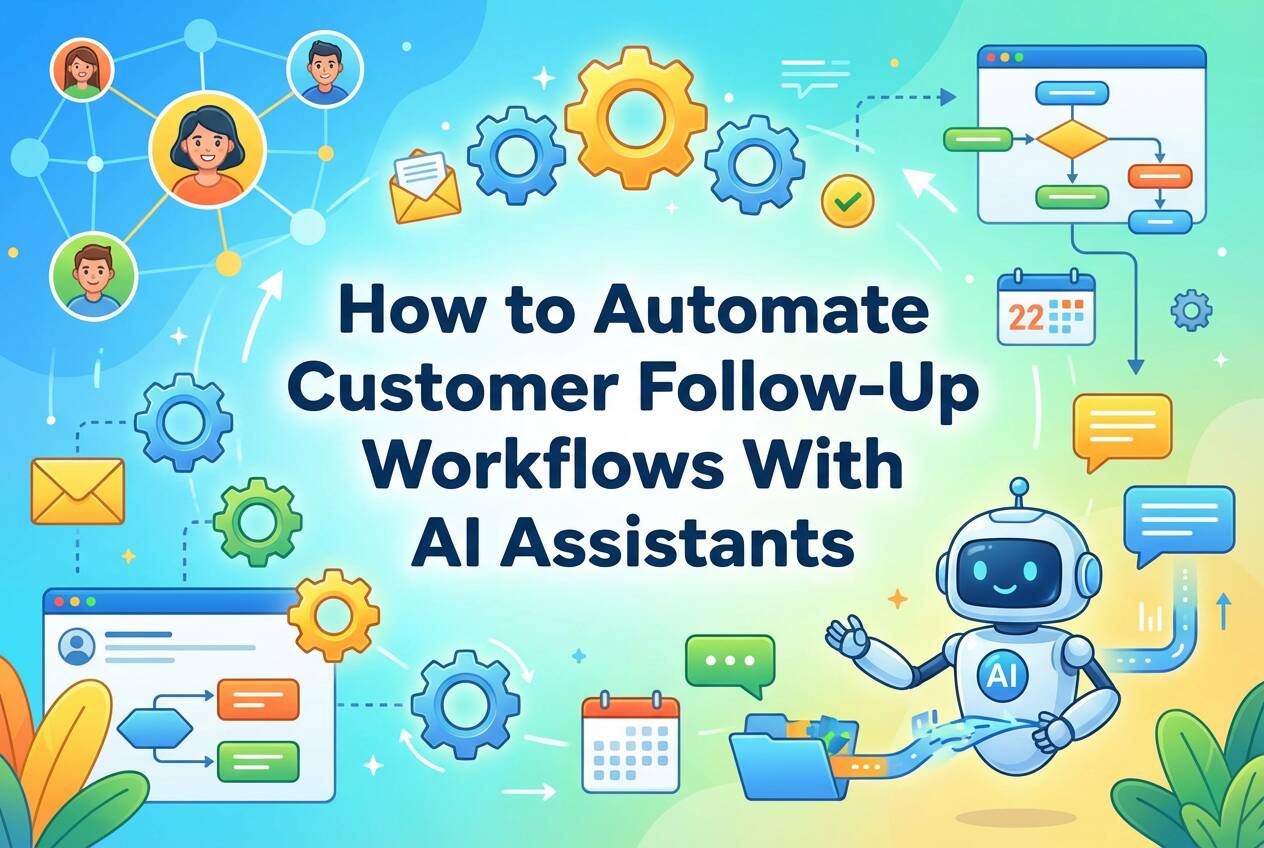
How to Automate Customer Follow-Up Workflows With AI Assistants


You can automate customer follow‑up workflows with AI assistants by connecting them to your support channels and data sources, defining clear goals, and using behavior‑based triggers to send timely, personalized follow‑ups across email, chat, and social channels. Done right, AI handles routine follow‑ups automatically while escalating complex or sensitive cases to humans—improving response speed without losing the human touch.
Platforms like Bika.ai support this approach by orchestrating AI assistants, automation workflows, and customer data in one unified system, helping teams scale follow‑ups without losing context or the human touch.

What Is Customer Support Automation?
Definition of Customer Support Automation
Customer support automation uses AI and workflow rules to handle repetitive support tasks—such as routing tickets, answering common questions, and sending follow‑up messages—without requiring manual intervention. This allows support teams to focus on complex issues and relationship‑building instead of repetitive work.

Differences Between Customer Service Automation and Customer Support Automation
While customer service automation often focuses on front‑line interactions like chatbots and self‑service, customer support automation goes deeper into operational workflows, including ticket lifecycle management, internal alerts, reporting, and proactive follow‑ups.
Core Components of Automated Customer Follow‑Up
Effective follow‑up automation typically includes:
- Centralized customer data
- AI assistants trained on support knowledge
- Trigger‑based workflows
- Clear escalation paths to humans
How Does Customer Support Automation Work?

Customer‑Facing AI Agents
Customer‑facing AI agents interpret incoming requests and respond instantly using trained knowledge bases and past interactions. They resolve common issues directly and gather context before handing complex cases to human agents.
AI for Internal Workflow Automation
Behind the scenes, AI classifies tickets, assigns priority, routes issues to the right teams, and tracks SLAs. This removes manual triage and reduces delays during peak support volume.
Proactive Customer Intelligence
By analyzing historical support data, AI can surface signals like churn risk, unresolved issues, or upsell opportunities—prompting proactive follow‑ups instead of reactive responses.
Automated Follow‑Up Systems
Automated systems trigger follow‑ups based on behavior, such as:
- No reply after an email
- Ticket resolution completion
- Key lifecycle milestones
This ensures no customer slips through the cracks.
5 Steps to Automate Customer Support
Step 1: Audit Your Current Support Processes
Document every step from ticket creation to resolution. Identify bottlenecks where manual effort slows response time or causes backlogs.
Step 2: Identify Repetitive Tasks to Automate
Start with high‑volume, low‑complexity tasks like FAQ responses, basic troubleshooting, or routine follow‑ups. These deliver the fastest ROI.
Step 3: Choose Your Automation Platform
Select an omnichannel platform that supports the channels your customers actually use and unifies customer context across every interaction.
A platform like Bika.ai is designed for this purpose, bringing AI assistants, automation workflows, and shared customer data into one organized workspace so follow‑ups stay consistent, contextual, and easy to scale across teams.
Step 4: Start With a Pilot Program
Test automation on a single workflow or channel. Gather feedback from both customers and support agents to refine accuracy and tone.
Step 5: Scale Based on Performance
Expand automation gradually based on metrics like response time, resolution rate, and customer satisfaction.
7 Customer Support Tasks You Can Automate First
1. Ticket Routing and Prioritization

AI routes tickets instantly based on topic, urgency, and customer value, reducing manual sorting and delays.
2. Initial Customer Responses
AI sends immediate acknowledgements, asks clarifying questions, and collects details before a human steps in.
3. Knowledge Base Suggestions
AI recommends relevant articles during conversations or ticket submission, deflecting simple issues before they become tickets.
4. Follow‑Up Messages and Automated Reminders
Automated check‑ins after calls or resolutions help maintain engagement and gather feedback consistently.
5. Customer Feedback Collection
AI triggers CSAT or NPS surveys at optimal moments and summarizes results for quick review.
6. Internal Team Alerts
Automated alerts notify teams when SLAs are at risk or high‑priority issues appear—without constant dashboard monitoring.
7. Support Performance Reporting
AI generates regular summaries of response times, resolution rates, and sentiment, eliminating manual reporting.
Tools for Customer Support Automation
AI Agents and Assistants
AI agents handle customer conversations autonomously, while assistants support human agents by drafting replies, summarizing threads, and capturing insights.
Help Desk Automation Systems
These systems manage the full ticket lifecycle—from intake to resolution to follow‑up—within a unified workflow.
Self‑Service Portals
Well‑maintained knowledge bases reduce incoming tickets and empower customers to solve issues independently.
Workflow Automation Platforms
Workflow tools connect support events to actions across your tech stack, enabling seamless coordination between teams.
The Benefits of Customer Support Automation
Faster Response Times
Automation reduces first‑response time from hours to seconds for common issues.
Improved Customer Satisfaction
Customers value quick, consistent responses—especially when issues are resolved without waiting.
Reduced Cost per Ticket
Teams handle more volume without scaling headcount, lowering operational costs.
Increased Team Productivity
Support agents spend more time on complex, high‑value problems instead of repetitive tasks.
Scalable Customer Follow‑Up
Automated follow‑ups ensure consistent engagement even as customer volume grows.
Common Automation Challenges and How to Solve Them
Keeping the Human Touch in Automated Workflows
Avoid over‑automation. Always provide clear paths to reach a human for emotional or complex issues.
Getting Team Buy‑In
Position automation as a way to remove busywork, not replace people. Involve agents in workflow design.
Managing Multiple Tool Integrations
Choose unified platforms that centralize customer data to avoid context switching and data silos.
Proving Automation ROI
Track baseline metrics before automation to clearly demonstrate improvements after rollout.
How to Measure Customer Support Automation Success
Response Time Improvements
Even a 50% reduction in first‑response time can significantly impact satisfaction.
Customer Satisfaction Changes
Monitor CSAT and NPS closely—declines often signal over‑automation.
Cost per Ticket Reduction
Compare support costs against ticket volume to quantify efficiency gains.
Team Productivity Gains
Measure tickets resolved per agent to track capacity improvements.
Follow‑Up Automation Metrics
Track open rates, response rates, and resolution outcomes of automated follow‑ups.
Transform Your Support With Customer Support Automation Software
Customer support automation works best when teams start small, automate high‑impact workflows, and scale based on real performance data. By combining AI assistants with structured workflows and human oversight, support teams can deliver faster, more consistent follow‑ups—without sacrificing quality or empathy.

Recommend Reading
- AI Automation Benefits: Cut Costs, Save Time, and Scale Faster in 2026
- How AI Document Automation Improves Quality, Compliance, and Brand Consistency
- The Smart Ticket Triage Agent: How to Sort Support Issues with Zero Touch
- SaaS Fatigue: Replace Fragmented Tools With AI Agents
- What Is Sales Automation & Why You Need It (2026 Guide)
Recommend AI Automation Templates


Coming soon