


Diary reminder
Diary reminder
v1.2.3
zhanpeiwei
Keep your thoughts organized with this Diary Reminder Template. Track daily writing, manage your diary entries, and receive automated nightly reminders. Generate weekly summary reports to review your life logging progress, enhance self-reflection, and maintain consistent journaling habits. Perfect for personal diary management, writing tracking, and improving productivity.
🏠 Daily Life
🤖 Automation
Included Resources
Diary Database
Diary Filling Reminder
Diary Summary Report
Workflow Graph
Workflow Graph
Workflow of Diary reminder
Release notes
Release notes
Release notes of Diary reminder
Diary Reminder
The personal diary recording and summarizing template is designed to help you keep a diary and remind them to fill it out, ultimately enhancing the value of the diary through content optimization. This template allows users to conveniently record their diaries through automated processes and provides a diary summary report.
👉 How the Template Works
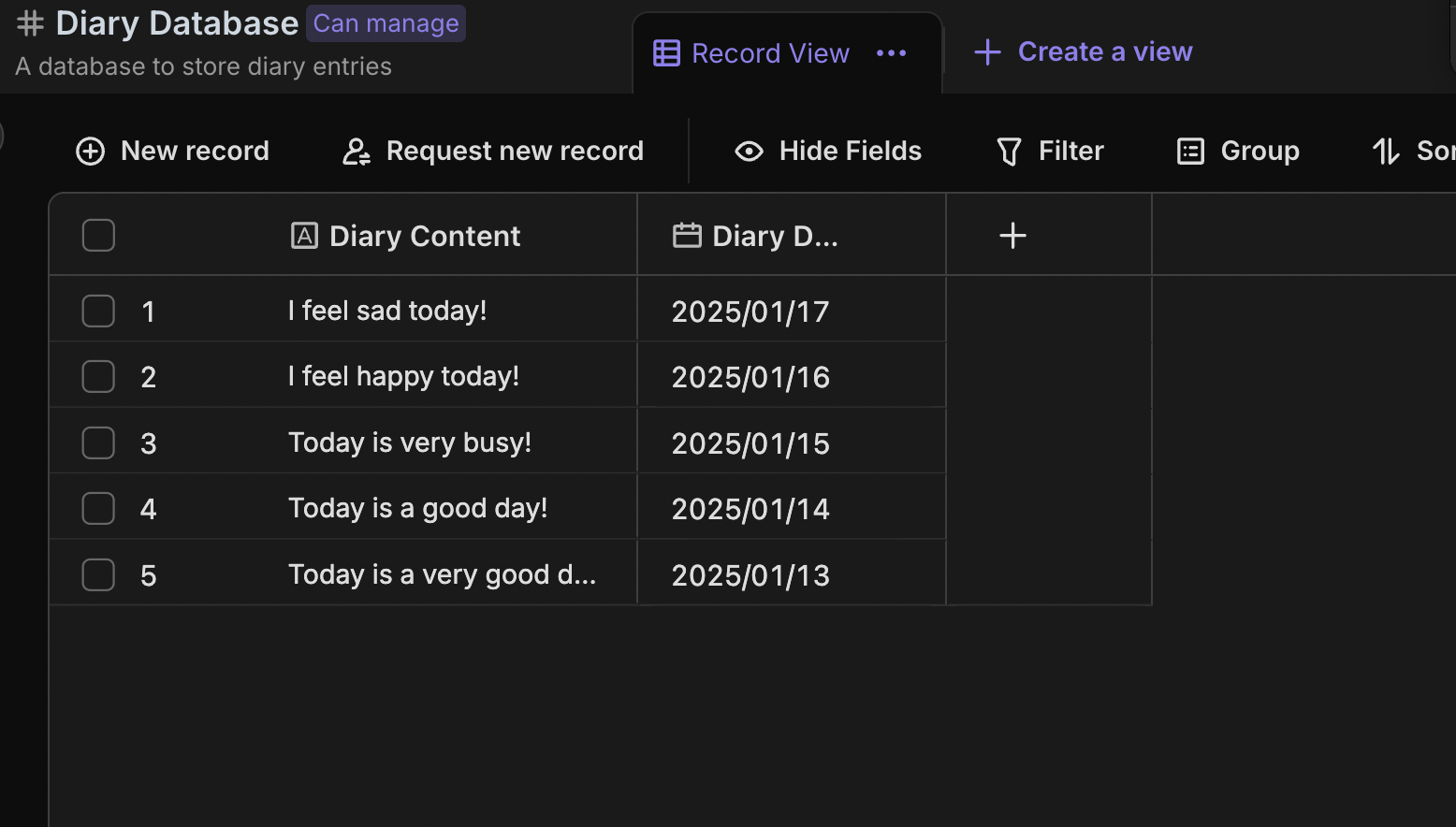
- Diary Database: Stores diary entries, supporting detailed content and date-time records.
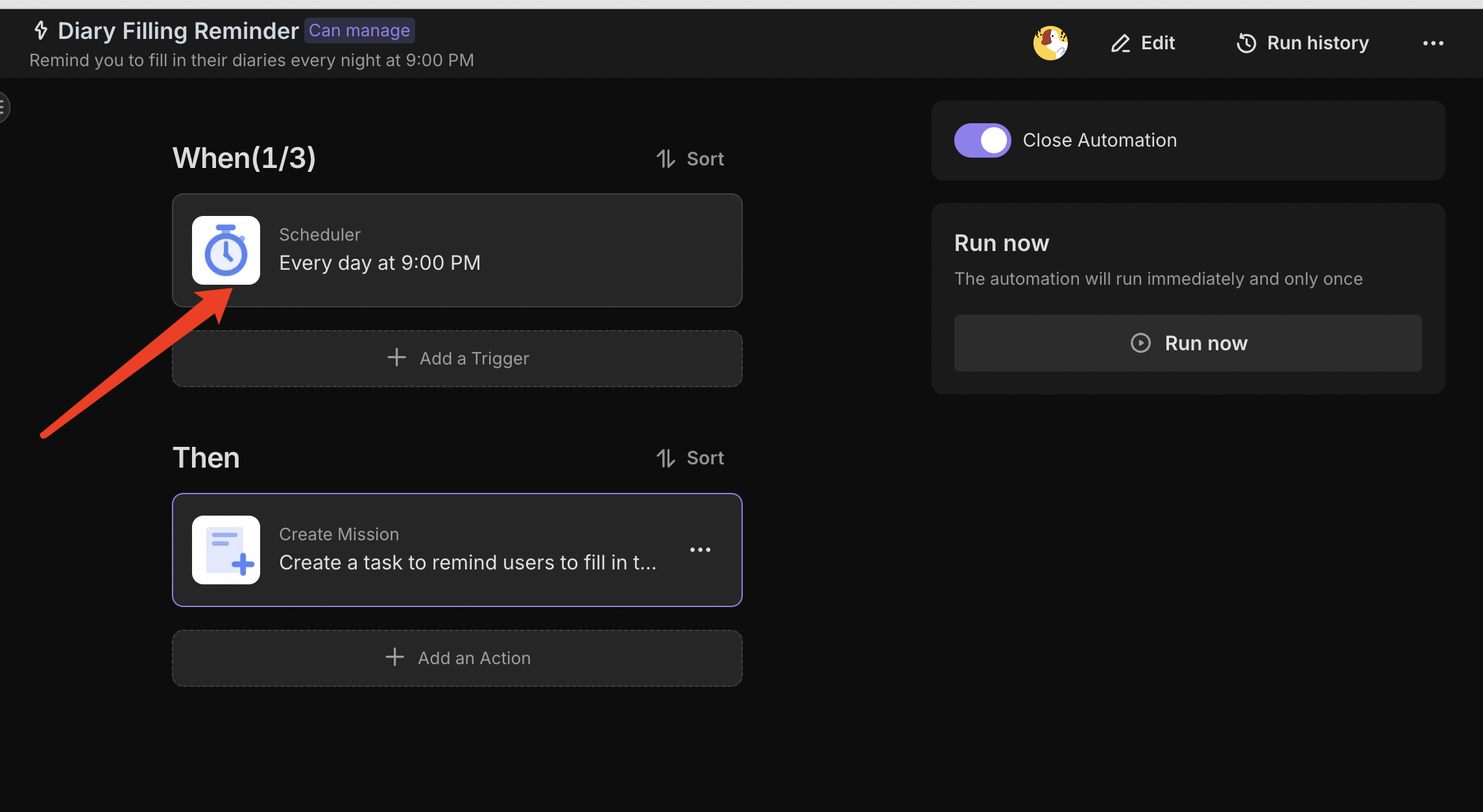
- Diary Filling Reminder: Automatically reminds you to fill in their diary at 9 PM every night.
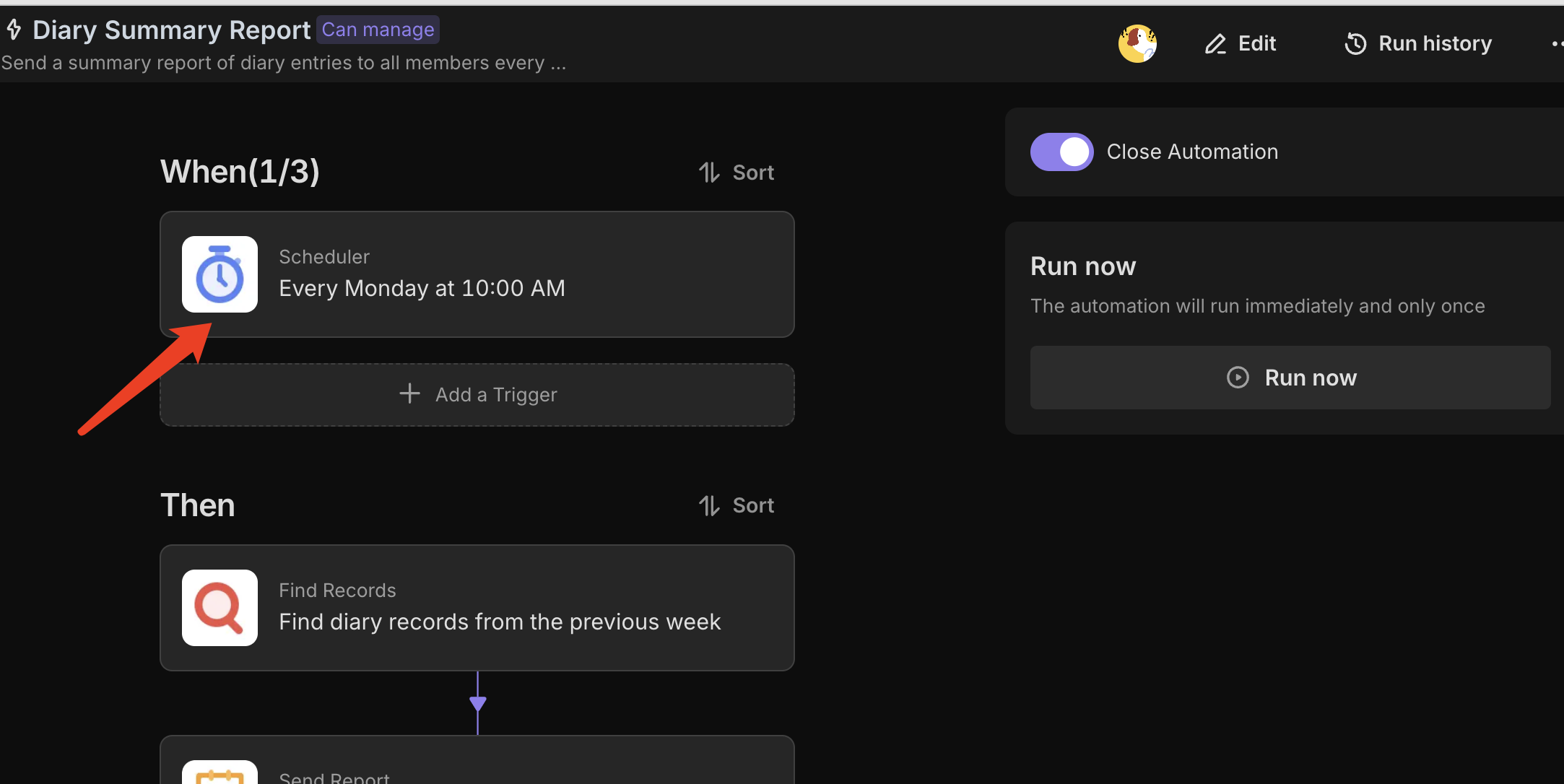
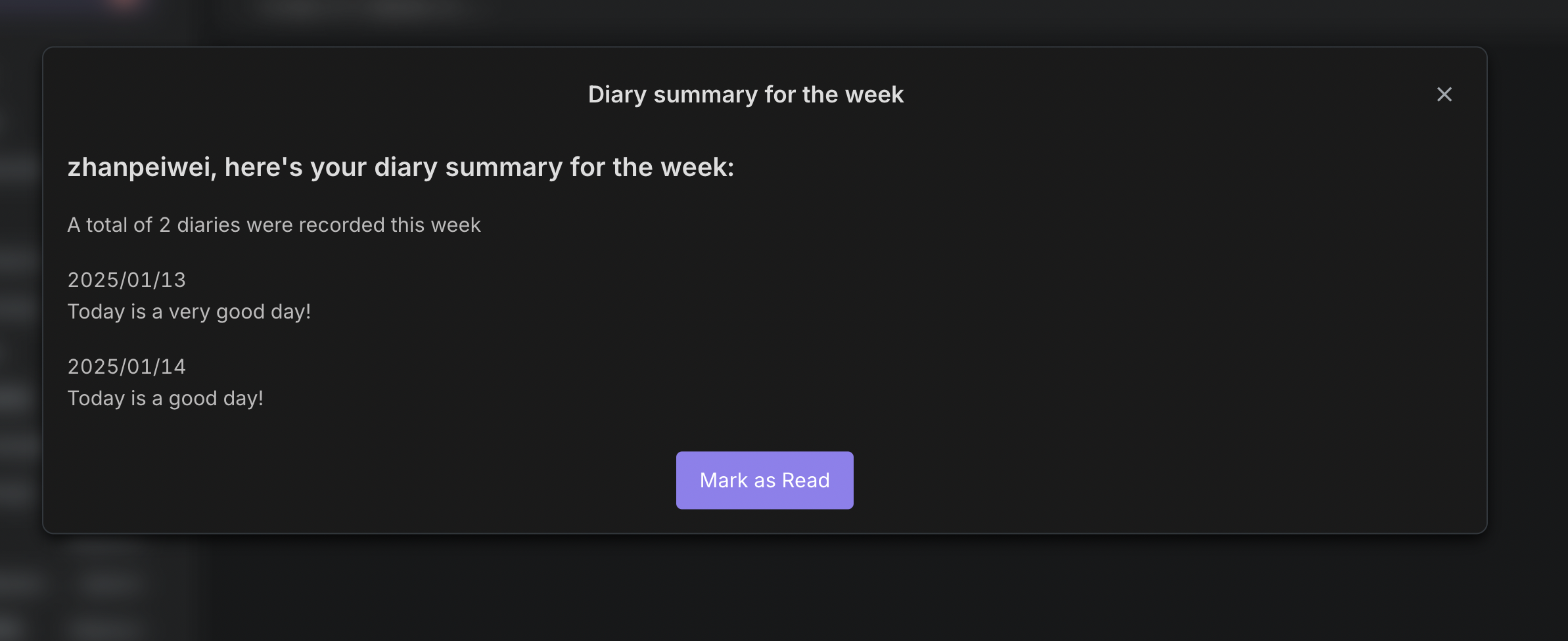
- Diary Summary Report: Automatically generates and sends a weekly diary summary report, helping you review their diary entries from the past week.
🎯 Steps to Use
- Diary Database: Fill in the diary content and date for the day as necessary.
- Filling Automation Reminder: The automation is set to trigger at 9 PM every night, automatically generating a task for you to fill in your diary. You can adjust the filling time according to your needs.
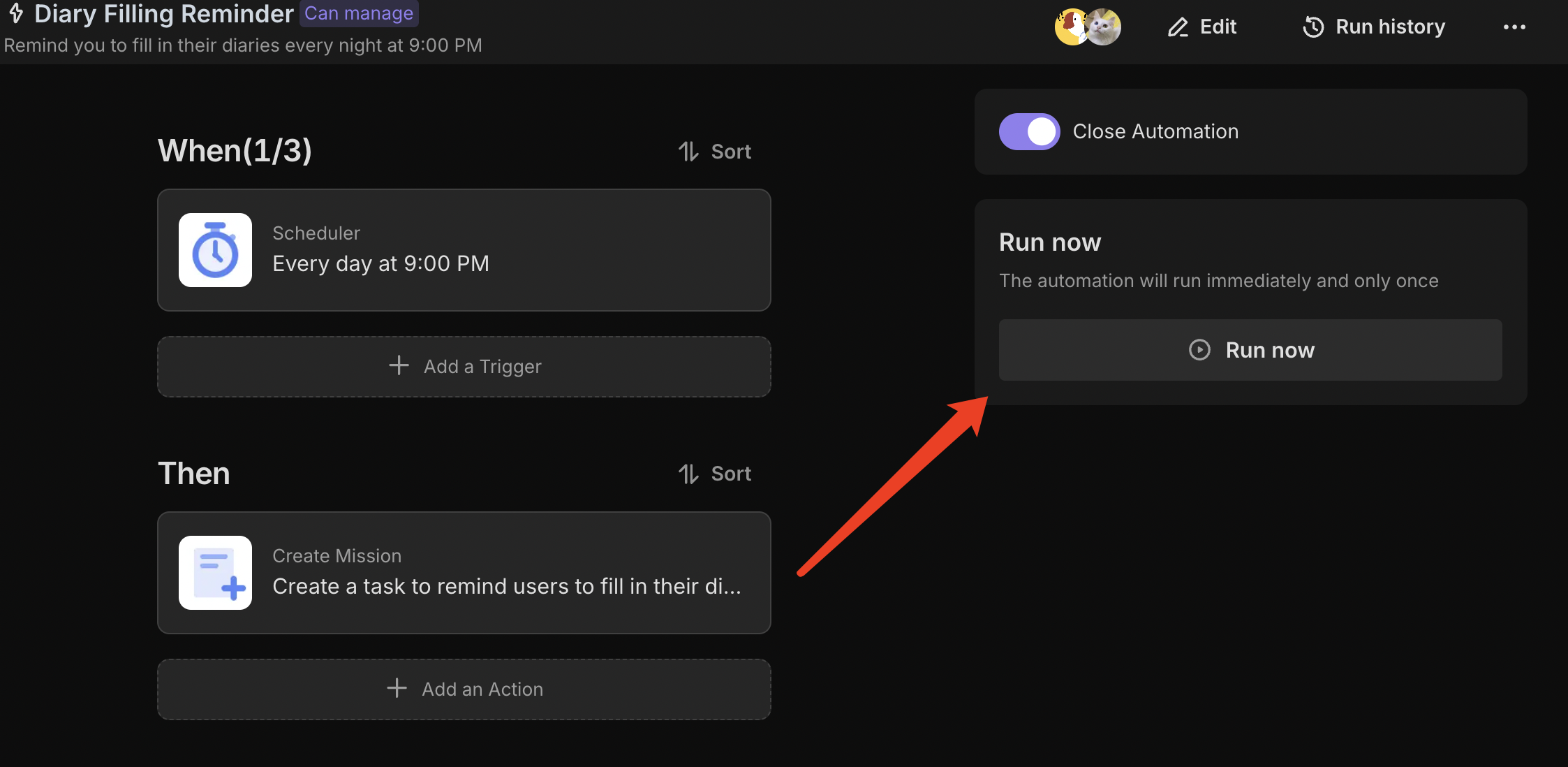
Click “Run Now” to test the automation; it should successfully initiate a task for filling in the diary.
- Log Summary Report: Configured to run every Monday at 10 AM, sending you a summary of last week's diary entries. You can adjust the time as needed.
Click “Run Now” to test the automation; you should receive a diary summary report.
👉 Suitable Users
Suitable for those who love writing, want to record life’s moments, and enhance their self-reflection abilities.
FAQ
1. Can I change the daily reminder from 9 PM to a different time?
Yes. The 9 PM time is just a default setting.
- Go to the "Diary Filling Reminder" automation.
- Click on the first node, labeled "Scheduled Trigger".
- Adjust the time to when you are most likely to reflect on your day (e.g., 7:00 AM for morning pages, or 10:30 PM for bedtime reflection).
2. Can I add more specific prompts, like "Mood" or "Photo of the Day"?
Absolutely. The Diary Database is fully customizable.
- For Mood: Add a "Single Select" field with options like Happy, Neutral, Sad, Energetic.
- For Photos: Add an "Attachment" field to upload daily snapshots.
- For Gratitude: Add a "Multi-line Text" field specifically for listing things you are grateful for.
3. What is included in the Weekly Summary Report?
The weekly report is an automated email that pulls your entries from the previous week. It usually includes the date and the main text content of your entries. This helps you review your week at a glance without having to log in and search through the database manually.
4. Can I write a diary entry for a past date if I forgot?
Yes. While the automation reminds you daily, you can always manually open the Diary Database, click "Add Record," and select a past date in the "Date" field to catch up on missed entries.