Scrum Sprint Task Management Automation


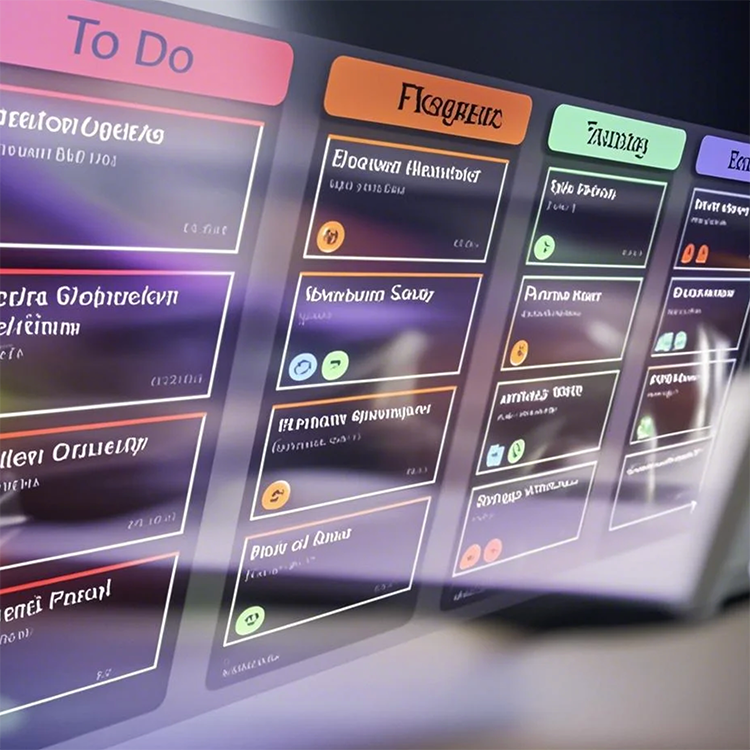
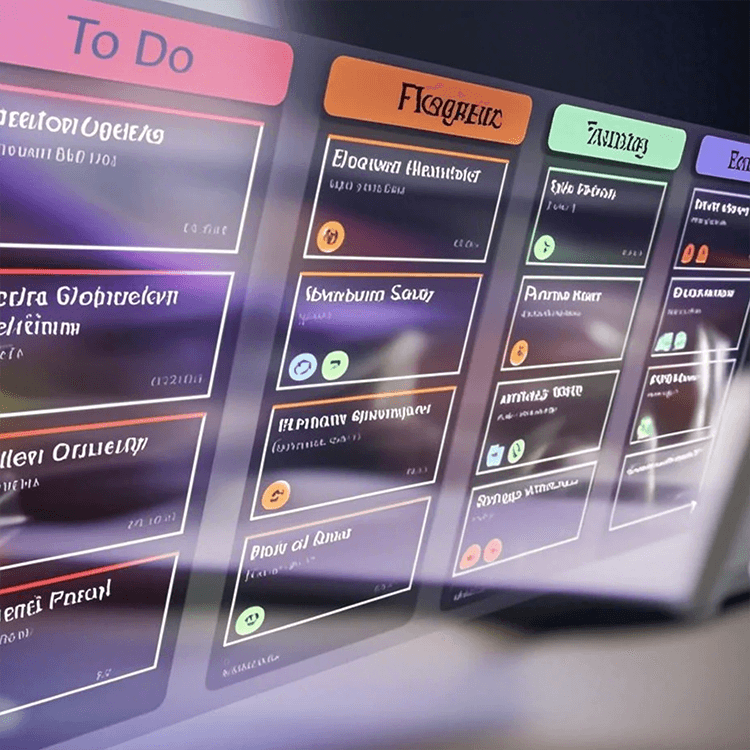
Streamline your Scrum sprints with this powerful automation template. Effortlessly track progress, manage sprint tasks, assign tasks, resolve issues, and send automated notifications. Keep your team aligned with real-time project updates, workflow tracking, and a comprehensive sprint dashboard for timely delivery of sprint goals.
Overview
Scrum Sprint Task Management Automation Template
The Scrum Sprint Task Management Automation Template provides a centralized and organized way to manage sprint tasks, track progress, and address issues in real-time. With built-in features for sprint management, task tracking, automated notifications, auto-generating tasks from issues or bugs, and a Current Version Sprint Completion Notification, this template streamlines workflows, keeps your team aligned, and ensures timely task completion.
How the Template Works
This template allows you to manage all your Scrum sprint tasks, issues, and bugs in one place. You can break down large projects into manageable tasks, track progress during sprints, and stay updated on critical issues. The template also includes automation for sending sprint completion notifications when the current version of the sprint is complete.
Key Features Include:
- Sprint Management: Organize your tasks by sprint and manage them in bite-sized pieces.
- Sprint Task Tracking: Track each task’s progress by status and percentage completion.
- Bug Tracking: Keep a close eye on all bugs reported during the sprint and their resolution status.
- Issue & Bug Fix Request Form: Submit and track issue or bug fix requests with ease.
- Automated Slack Notifications: When a new form is submitted or an issue is resolved, the system will automatically send a notification to Slack, keeping the team informed and aligned.
- Current Version Sprint Completion Notification: Automatically send a notification to Slack when the current version of the sprint is completed, keeping everyone informed of the progress.
- Auto-Generate Tasks from Issues & Bugs: When the status of an issue or bug is updated to "Move to Tasks" in the Bug Tracking table, the system will automatically create a new task in the Sprint Task table.
How to Customize Your Application Using the Template
Customizing the Scrum Sprint Task Management Automation Template is simple and effective:
- Create a Sprint: Start by creating a new sprint in the Sprint table and assign tasks based on priority and deadlines.
- Add Sprint Tasks: Break down large projects into individual sprint tasks in the Sprint Task table, ensuring each task is actionable.
- Track Bugs: Use the Bug Tracking table to record, monitor, and resolve bugs during the sprint.
- Submit Issues or Bug Fix Requests: When a new issue or bug is identified, use the Issue & Bug Fix Request form to submit it for resolution.
- Enable Automation: Once an issue is reported or resolved, an automated Slack notification will keep the team up to date in real time.
- Set Sprint Completion Notifications: When the current version of the sprint is completed, an automated notification will be sent to Slack to inform all team members.
- Leverage Auto-Generate Tasks: Update the status of an issue or bug to "Move to Tasks" in the Bug Tracking table, and let the system automatically create a task in the Sprint Task table.
Who Should Use This Template
This template is ideal for:
- Scrum Teams: Effectively manage sprints, tasks, and bugs to ensure timely delivery of high-quality products.
- Product Managers: Keep track of progress and ensure tasks are aligned with product goals.
- Developers: Track and resolve issues in real-time during the sprint process.
- QA Engineers: Monitor bugs and ensure proper resolution.
- Project Managers: Oversee multiple sprints, manage timelines, and ensure deliverables meet the project’s standards.
Key Benefits of the Scrum Sprint Task Management Automation Template
- Organized Sprint Management: Break down complex projects into manageable tasks and track progress by sprint.
- Task & Bug Tracking: Easily monitor and resolve sprint tasks and bugs in one place.
- Collaboration: Keep all team members aligned by tracking and updating tasks, bugs, and issues in real time.
- Automated Slack Notifications: Automatically notify your team when a new issue or bug fix request is submitted, ensuring no task is missed.
- Current Version Sprint Completion Notification: Ensure timely updates with automated notifications when the sprint version is completed.
- Auto-Generate Tasks from Issues & Bugs: Save time by automating the creation of new tasks directly from issues or bugs marked as "Move to Tasks".
- Increased Flexibility: Adjust the sprint tasks, issues, and deadlines as needed to adapt to project changes.
FAQ
Q1: How do I track sprint task progress?
A1: You can track progress by monitoring the status and percentage of completion of each sprint task in the Sprint Task table.
Q2: Can I prioritize tasks within a sprint?
A2: Yes, you can assign priority labels or sort tasks based on their importance to ensure the most critical tasks are handled first.
Q3: How are issues and bugs managed in this template?
A3: Issues and bugs are tracked in the Bug Tracking table, where you can submit, monitor, and resolve bugs during the sprint.
Q4: Can I automate notifications to external stakeholders?
A4: Yes, Slack notifications can be set up to inform stakeholders whenever an issue or bug is resolved or a new form is submitted.
Q5: How does the Current Version Sprint Completion Notification work?
A5: When the current version of the sprint is completed, the template will automatically send a notification to Slack, informing all team members about the completion of the sprint.
Q6: How are task review reminders handled?
A6: When a task is marked as needing review, automated reminders will be sent to the assigned reviewer to ensure the task is reviewed on time.
Q7: How does the Auto-Generate Tasks feature work?
A7: When an issue or bug is updated to "Move to Tasks" in the Bug Tracking table, the system will automatically create a new task in the Sprint Task table.
おすすめの読み物
- Customer Workflow Automation: How to Boost Efficiency, Reduce Errors, and Enhance CX in 2026
- What Is an AI Workflow? How It Works and Why It Matters
- How to Automate Lead Management with AI
- What is a Marketing Automation Platform: How to Choose the Right One
- How Is Agentic AI Different From Traditional Automation?
AI自動化テンプレートをお勧めします