How to Use AI to Automate a Small Business (Real Examples)


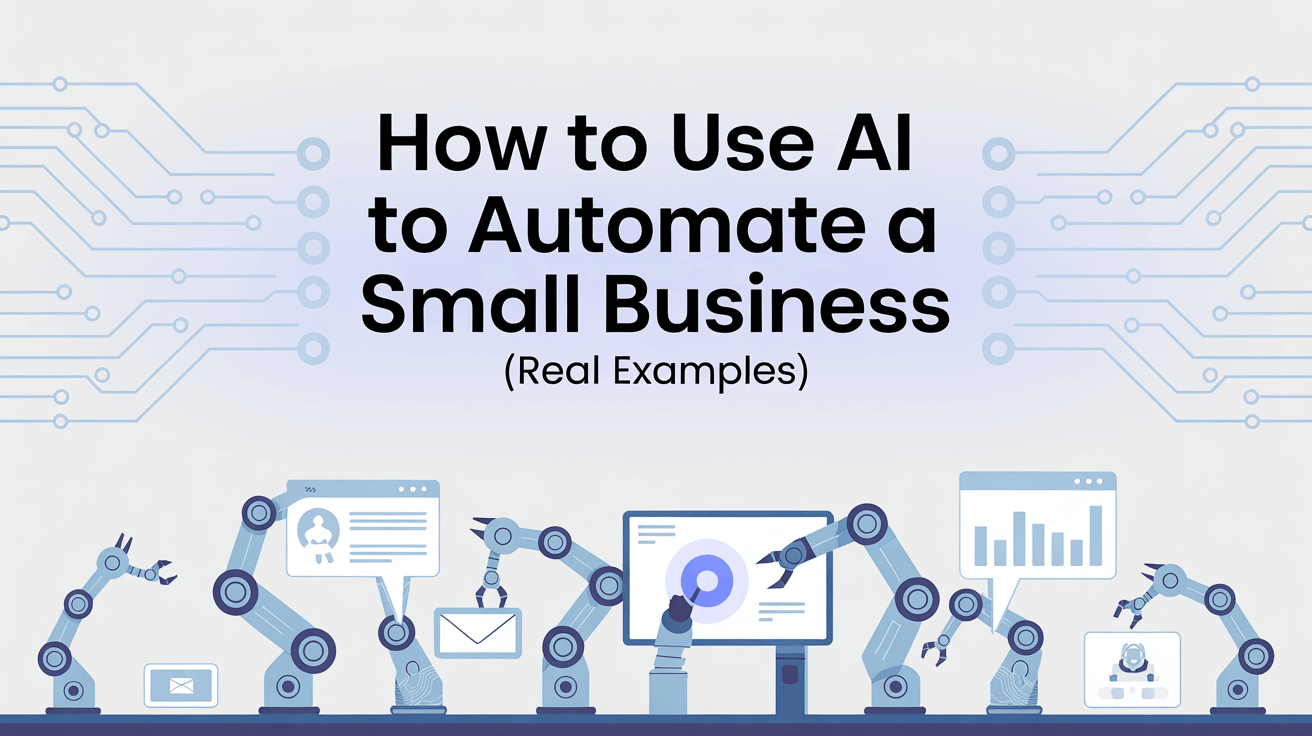
AI can help a small business automate repetitive work, reduce errors, lower costs, and scale operations without hiring more staff. By applying AI to tasks like data processing, customer support, sales follow‑ups, reporting, and internal workflows, small teams—or even solo founders—can run lean, efficient operations while focusing on growth and strategy.
This guide explains what AI automation is, how it differs from traditional automation, where it delivers the highest return for small businesses, and how to implement it step by step in a practical, measurable way.
If you’re a small business or solo founder looking to turn AI automation into real, day‑to‑day execution, Bika.ai lets you build and manage an agentic AI team with automations, databases, dashboards, and documents—all through a simple chat‑based workspace.

What Is AI Automation for Small Businesses?
AI automation for small businesses means using artificial intelligence technologies—such as machine learning, natural language processing, and pattern recognition—to handle tasks that previously required human effort.
Unlike basic automation tools that follow fixed rules, AI systems can adapt to variations, work with unstructured inputs like text or documents, and improve performance over time based on outcomes.
For small businesses, this means AI can:
- Automate routine and semi‑complex tasks
- Handle inconsistent or messy data
- Make context‑aware decisions
- Learn from results and refine actions
- Free up limited staff time for high‑impact work
AI Automation vs Traditional Business Process Automation (BPA)
Traditional business process automation works best when tasks are stable, predictable, and rule‑based. AI automation adds flexibility and learning, which is critical for small businesses dealing with changing customer behavior and limited resources.
Key differences:
- Task handling: BPA processes structured inputs; AI works with structured and unstructured data
- Adaptability: BPA follows static logic; AI adapts and improves
- Decision‑making: BPA uses predefined rules; AI evaluates context
- Scalability: AI manages growth without proportional increases in staff
For example, routing an invoice using fixed rules is BPA. Automatically extracting and validating invoice data from different formats is AI automation.
Key Benefits of AI Automation for Small Businesses
AI automation delivers value beyond simple time savings, especially for resource‑constrained teams.
Increased Productivity and Efficiency
AI completes repetitive tasks faster and more consistently than manual processes, allowing small teams to focus on strategy, customers, and innovation.
Lower Error Rates and Better Compliance
Automated data handling reduces human mistakes and ensures consistent application of policies, which is especially valuable in finance, operations, and regulated workflows.
Reduced Operating Costs
By cutting manual effort and rework, AI lowers long‑term costs without increasing headcount.
Faster Decision‑Making
AI analyzes large data sets in real time, helping small business owners act quickly instead of relying on delayed reports.
Scalable Operations
AI systems handle growth smoothly, supporting more customers, data, or transactions without hiring additional staff.
Top AI Automation Use Cases for Small Businesses
AI Automation for Customer Support

AI assistants can answer common questions, route requests, and create support documentation. This reduces response times and lets human support focus on complex cases. And this can be easily implemented using Bika.ai’s customer support agent templates.
AI Automation for Marketing and Sales

AI helps small businesses:
- Score and prioritize leads
- Personalize outreach and messaging
- Schedule follow‑ups automatically
- Forecast future demand using historical data
This ensures sales efforts focus on high‑value prospects instead of manual sorting.
AI Automation for Finance and Accounting

AI can:
- Extract data from invoices and receipts
- Reconcile transactions
- Flag duplicates or inconsistencies
- Speed up month‑end reporting
These capabilities significantly reduce administrative overhead.
AI Automation for HR and Onboarding

AI supports:
- Resume screening
- Candidate evaluation
- Automated onboarding steps
- Follow‑up reminders and documentation
This keeps hiring efficient even without a dedicated HR team.
AI Automation for Operations and Logistics
AI analyzes demand patterns, supplier reliability, and operational data to reduce downtime, avoid overstocking, and improve planning accuracy.
AI Automation for IT Monitoring and Security
AI detects anomalies in system logs, flags risks early, and assists with incident response—often before issues affect customers.
How to Implement AI Automation in a Small Business
Step 1: Identify Processes Worth Automating
Focus on tasks that:
- Occur frequently
- Consume significant time
- Follow consistent logic
- Have clear inputs and outputs
Common starting points include email routing, form handling, reporting, and basic customer interactions.
Step 2: Choose Tools That Match Your Real Needs
Evaluate tools based on:
- Integration with existing systems
- Ease of setup without technical expertise
- Ability to scale with usage
- Security and data protection standards
Avoid over‑engineering—simplicity often delivers the fastest return. Today, many no‑code platforms like Bika.ai let you get this done easily, without any coding skills.
Step 3: Start With a Small Pilot
Test automation on one workflow with clear success metrics, such as:
- Time saved
- Error reduction
- Cost per transaction
- User satisfaction
A 2–3 month pilot is usually enough to measure impact.
Step 4: Train and Involve Your Team
Adoption depends on trust and understanding. Show employees how AI supports their work rather than replacing it. Keep training practical and feedback‑driven.
Step 5: Measure Results and Scale Gradually
Track both operational and business metrics regularly. Expand automation only after validating consistent improvements.
Common Challenges in AI Automation for Small Businesses
Budget and ROI Concerns
Small businesses often hesitate due to cost uncertainty. Start with low‑risk workflows and measure savings objectively to justify expansion.
Online AI automation platforms are very affordable, making them an ideal first option to try.
Data Quality Issues
Inconsistent or incomplete data limits AI performance. Cleaning and standardizing data early improves outcomes dramatically.
Resistance to Change
Involving users early and demonstrating quick wins helps overcome skepticism.
Legacy System Integration
When systems lack modern connections, integration layers or incremental rollouts reduce risk and downtime.
Data Privacy and Security
Always verify how data is handled, stored, and accessed, especially when using third‑party AI services.
Emerging Trends in AI Automation for Small Businesses
AI‑Powered Business Analytics
Automated dashboards, demand forecasting, and performance insights help owners make faster, data‑driven decisions.
AI‑Driven Personalization
AI adapts messaging, recommendations, and engagement based on customer behavior, improving conversion and retention.
Decision Support and Forecasting
AI supports pricing, inventory planning, and resource allocation with predictive models.
Low‑Code and No‑Code Automation
Modern AI tools reduce the need for technical skills, enabling small teams to build and maintain automation independently.
Final Takeaway: How Small Businesses Should Use AI Automation
AI automation works best for small businesses when it is practical, focused, and measurable. Start with real problems, automate what slows you down, and expand only after seeing tangible results.
When applied thoughtfully, AI allows small businesses to operate like much larger organizations—without adding complexity or overhead.

Recommend Reading
Recommend AI Automation Templates




Coming soon