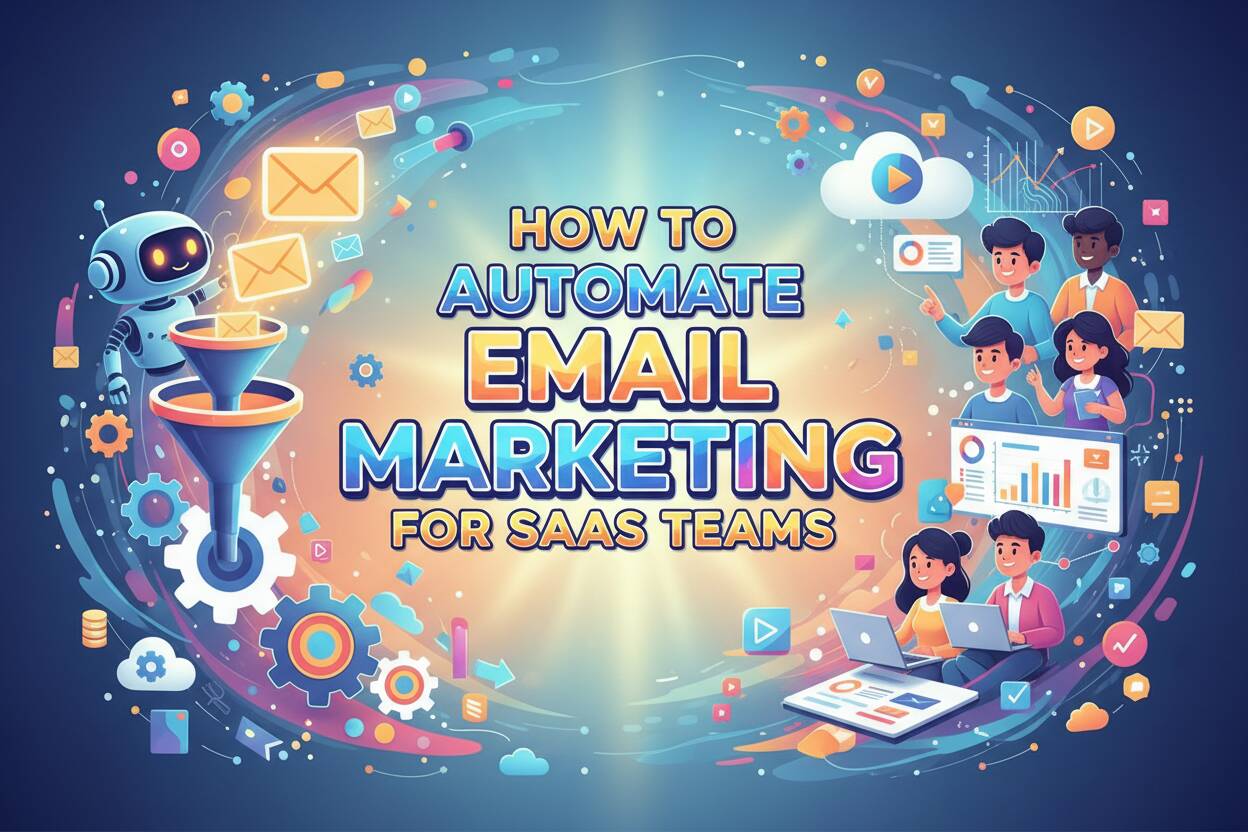
How to Automate Email Marketing for SaaS Teams


In 2026, SaaS email automation is no longer about rigid schedules or mass sends. It has evolved into intent-aware, agent-driven workflows that react to what users actually do inside your product.
Yet most SaaS teams are still stuck in a data synchronization trap. Product usage data lives in one place, email tools live in another, and by the time the data finally syncs, the moment to guide the user has already passed. The result is irrelevant emails, missed PLG opportunities, and preventable churn.
The real issue is not email delivery. It is context.
By building an agentic workflow, SaaS teams can let AI continuously observe product behavior, reason over real-time data, and autonomously generate and send highly targeted emails. All of this happens without adding headcount, while retention and activation improve dramatically.
This is exactly the problem Bika.ai was built to solve.

Beyond Drip Campaigns: Why SaaS Needs Agentic Workflows
Traditional drip campaigns are rapidly losing effectiveness. Rule-based automation can no longer keep up with modern SaaS lifecycles, where user intent changes daily and data is fragmented across tools.
Industry forecasts suggest that by 2028, nearly 38% of organizations will treat AI agents as formal team members. The shift is already underway.
The challenge for SaaS teams is no longer “how to send emails,” but “how to understand users in motion.”
Classic IFTTT-style automation breaks down when dealing with complex behavior patterns like activation stalls, partial feature adoption, or early churn signals. These systems execute instructions but do not think.
Bika.ai introduces a different model.
As a Level-5 AI Organizer, Bika.ai enables true agentic workflows. AI agents do not just follow predefined rules. They operate more like growth managers, continuously querying the Bika Space database to assess user intent, engagement depth, and product signals, then deciding what action to take next.
This is the shift from isolated tools to coordinated AI agent teams.

How to Build a Self-Operating Email Engine
Step 1: Centralize Product Data at Massive Scale

Effective automation starts with unified data.
With Bika.ai, SaaS teams can centralize Stripe subscription data, GitHub activity, and in-app behavioral events into Bika Space. This structured engine is designed to handle massive datasets, from millions to billions of rows.
Every AI agent operates on a complete, real-time view of the user. Data delays disappear. Context becomes continuous.
Step 2: Deploy Specialized AI Marketing Agents
Inside Bika.ai, teams can deploy specialized AI agents that collaborate continuously, a working style often described as Vibe Working.
- AI Writer
Generates onboarding and feature education emails based on actual product usage, not static templates. - Customer Support Scribe
Analyzes support tickets to identify recurring friction points, then converts those insights into proactive education emails that prevent future issues.
Each agent has a clear role, but they operate as a coordinated system rather than isolated bots.
Step 3: Build Multi-Channel Workflows with MCP
Bika.ai integrates with over 10,000 MCP plugins, giving your email system awareness beyond your own product.
For example, when a user completes a key in-app action, an AI agent can:
- Detect the trigger in real time
- Pull relevant external signals via MCP
- Generate an email that blends product context with live industry data
- Send it automatically or route it for approval
Email becomes part of a broader intelligence loop, not a standalone channel.
Step 4: Apply Vibe Working for True Personalization
In 2026, personalization goes far beyond inserting a first name.
Bika.ai agents can reference a user’s specific actions from last week, adapt tone based on communication style, and even adjust messaging depth based on product maturity.
Instead of managing endless rules, SaaS teams simply converse with the system to refine behavior. Complex automation becomes manageable through natural interaction.
Step 5: Let the System Optimize Itself
A Level-5 system does not just execute. It learns.
Bika.ai agents continuously monitor engagement metrics like open rates and clicks. When performance drops, they propose strategy changes or initiate A/B tests on their own. With a single approval, improvements go live immediately.
This creates a self-healing, self-optimizing email engine.
Why Bika.ai Is the Ultimate Workspace for SaaS Growth
Bika.ai allows a single operator to manage an email system that once required an entire growth or lifecycle team.
Whether the goal is trial activation, feature adoption, or churn prevention, Bika.ai’s combination of massive data capacity and autonomous AI agents ensures your product communicates with users at the right moment, with the right message.
It is not an email tool. It is an AI-run operating system for SaaS growth.
Final CTA
Bika.ai becomes the central agentic workspace where AI employees orchestrate the entire SaaS user journey, from real-time data sensing to autonomous execution, without slowing your team down.
If you are still sending emails on a schedule, you are already behind.

Recommend Reading
- Custom AI Apps: Building Internal Tools Without Code
- Customer Workflow Automation: How to Boost Efficiency, Reduce Errors, and Enhance CX in 2026
- 9 Key Benefits of AI Workflow Automation That Drive Real Results
- Top 12 No Code AI Workflow Automation Tools for 2026
- What Are Agentic Workflows? How AI Agents Power Smarter Automation
Recommend AI Automation Templates